
Free Laptops for Students
Students have more dedicated pathways than almost any other group — school 1:1 programs, The On It Foundation, Dell Scholars, and 15+ universities that simply hand you a laptop when you enroll.
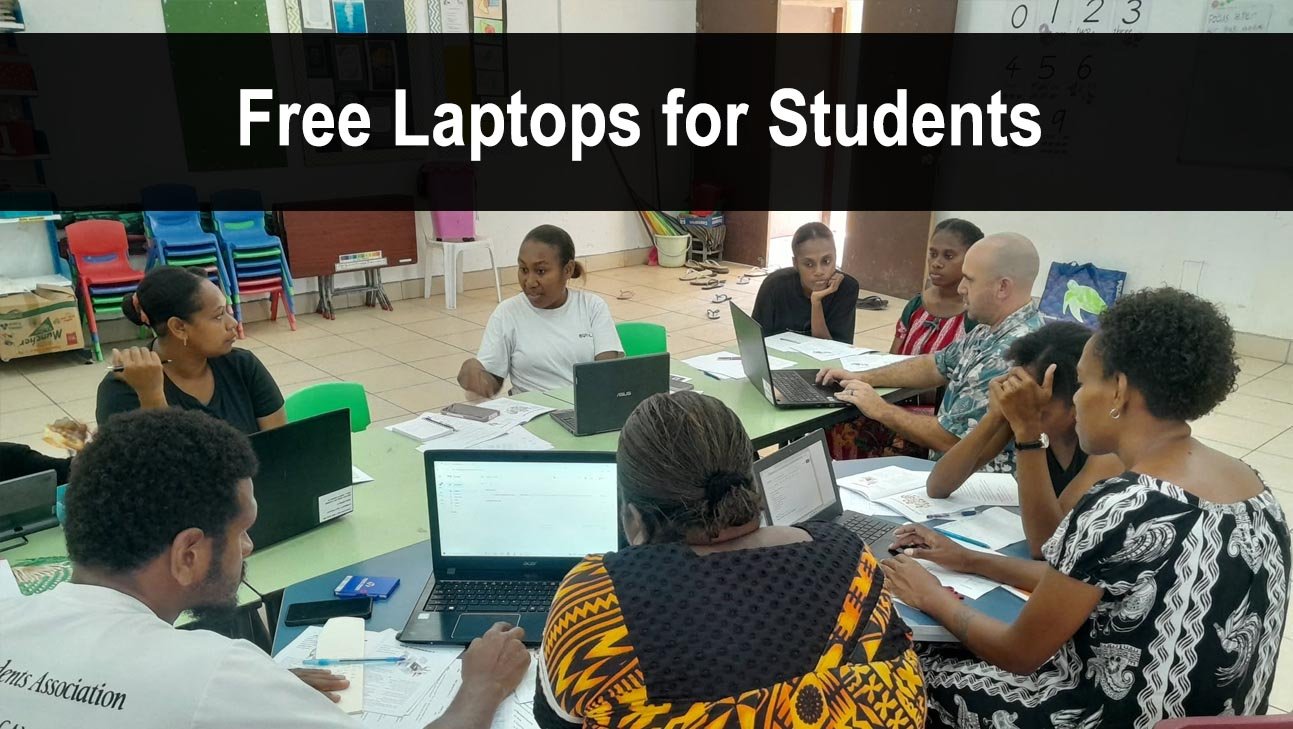
Who This Is For
K-12 students (public or homeschool) and college/university students of any age who can demonstrate financial need or enrollment at a qualifying institution.
Step-by-Step: How to Get a Free Laptop as a Student
- Check your school district first. Many K-12 districts have active 1:1 device programs. Call your school and ask.
- Apply to The On It Foundation if you are a low-income K-12 student.
- Check your university's IT department. Over 15 universities on this site include a laptop with enrollment.
- Apply for a Pell Grant if in college. The refund money can be used to purchase a laptop.
- Apply to PCs for People if your household income is at or below 200% of the federal poverty level.
Best Starting Points
The On It Foundation→
Florida-based nonprofit closing the K-12 digital divide through free laptops and internet access for low-income students.
Compudopt→
Distributes free refurbished computers to under-resourced youth through local lottery-based distribution events.
Dell Scholars Program→
A prestigious scholarship for low-income high school seniors that includes a laptop and $20,000 in aid.
PCs for People→
National non-profit offering high-quality refurbished laptops for households at or below 200% of the poverty level.
Common Questions from Students
Do I need proof of enrollment?
Yes, most programs require a student ID, acceptance letter, or enrollment verification. Have these ready before applying.
What if my family does not qualify on income?
Check your university's lending library. Many loan laptops for the semester regardless of income. Public libraries are also a great no-cost option.
Can homeschool students qualify?
Yes. Several programs such as PCs for People accept homeschool students provided the household meets the income threshold.